If you’re anything like me, your Mac isn’t just a computer; it’s the engine of your productivity. Over the years, I’ve refined my setup down to a lean, mean list of daily drivers that simply make life easier. I’m not just recommending these apps; I’m telling you these are the tools I rely on, extensively, every single day.
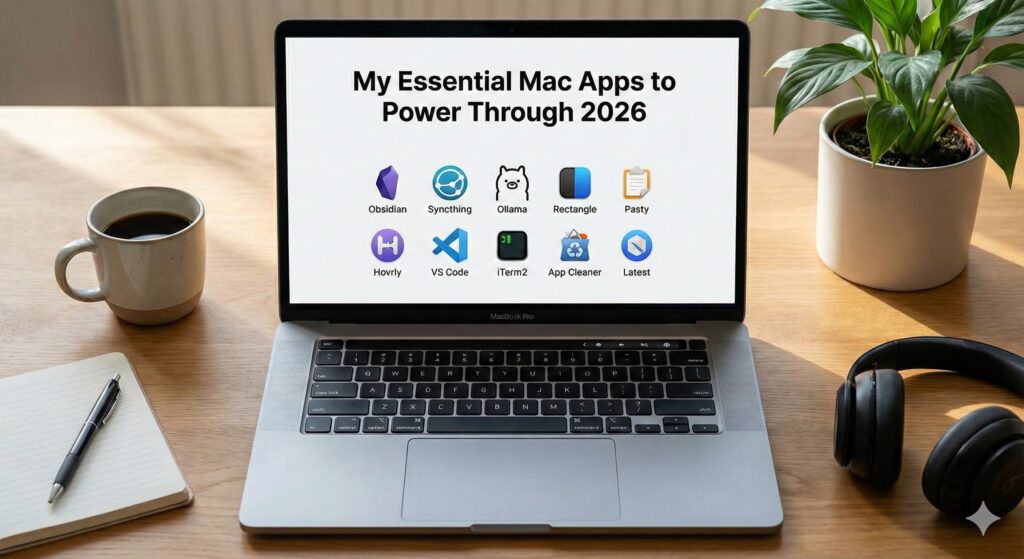
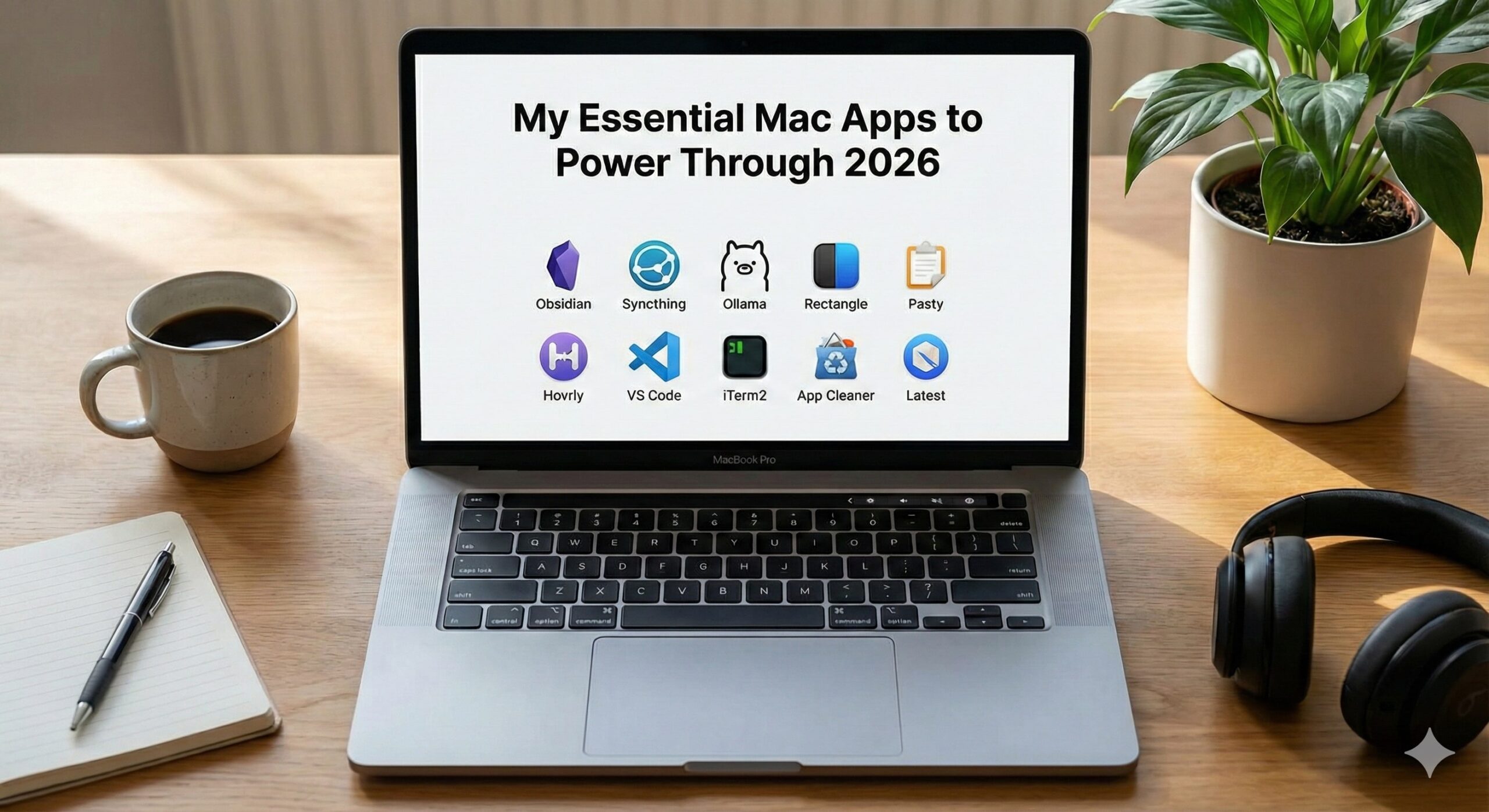
Here is my personal list of the must-have apps you need to install right now to future-proof your own Mac workflow for 2026.
TL;DR: The 2026 Must-Have Toolkit
- Obsidian (The “Forever” Note-Taking App)
- Syncthing (Private, Peer-to-Peer File Sync)
- Local LLM – Ollama (Your Private AI Assistant)
- Rectangle (Window Management Solved)
- Pasty (Visual Clipboard Manager) or Copyclip
- Hovrly (Global Time Zone Checker)
- VS Code (Universal Code and Text Editor)
- iTerm2 (Terminal Superpower)
- App Cleaner (Complete App Uninstaller)
- Latest (Third-Party App Update Checker)
1. The Knowledge Core: Obsidian and Local LLM – Ollama
I’m grouping these together because they represent the future of private intelligence, and I literally use them together every day.
Obsidian: The “Forever” Note-Taking App
This is where my entire personal knowledge base lives. I’ve been using it extensively for years, and it is easily my most critical daily driver. It stores my notes in simple Markdown files, meaning my data is mine forever, offline, and ready to go. No other app gives me this combination of speed, flexibility, and absolute control.
Syncthing: Private Sync, Ready When You Need It
while Obsidian has a paid subscription for syncing notes across devices, I prefer to keep my knowledge fully autonomous. That’s where Syncthing comes in. I use it to synchronise my Obsidian vault across all my devices. It’s a secure, peer-to-peer connection that ensures my notes are perfectly synced and ready to open, whether I’m on my Mac or my Android phone. It gives me the freedom of multi-device access without paying a middleman.
Local LLM – Ollama: Your Private AI Assistant
The real game changer for 2026 is pairing Obsidian with Ollama. This powerful tool lets me run large language models privately on my Mac. I don’t send my work off to the cloud just to get a summary or a coding hint.
- A Note on Integration: I’m currently writing a separate, dedicated blog post on how I set up Obsidian and Ollama together. This robust, offline-supported system has completely transformed my note-taking and research. Keep an eye out for that guide, as it’s a setup I couldn’t work without now.
2. Clipboard Control: Pasty (The Modern Choice)
I used to rely on simpler tools like CopyClip, but I’ve found Pasty to be the modern clipboard manager I truly need. It keeps a visual history of everything I copy, including images and files, which is a lifesaver when I’m hopping between projects. It’s a huge time saver and absolutely crucial to my daily work pace.
3. Desktop Domination: Rectangle
This one is simple, free, and absolutely essential. I honestly don’t know how I managed my windows before I installed Rectangle. It lets me snap any window to the sides, corners, or quadrants of my screen with a keyboard shortcut. It turns my chaotic desktop into a neat workspace instantly, letting me focus on the task, not the window resizing.
4. Time Management: Hovrly
As someone who works with people across different time zones, Hovrly is a lifesaver. It lives quietly in my menu bar and lets me visually compare times without doing mental math. When I’m scheduling a meeting, I just slide a bar and immediately see the best overlap for my team in London, India, and Europe. It’s clean, simple, and the best time zone app I’ve found.
5. Code & Command Line
VS Code
I’m a developer, so VS Code is the oxygen in my workflow. It is still the fastest, most flexible, and most stable code editor available. I use it for everything from writing Python and JavaScript to editing the Markdown for this very blog post. The extension marketplace makes it infinitely customisable for any task I throw at it.
iTerm2
If you ever touch the command line, ditch the default Terminal app. iTerm2 is the robust replacement I rely on. The split-pane functionality and search features make it an actual pleasure to use, not a chore. It’s what I keep open all day long.
6. System Cleanliness and Security
App Cleaner
I hate system clutter. When I drag an app to the trash, I want to be sure it’s all gone, not just the main file. App Cleaner is the lightweight utility I use to find and delete all those sneaky cache and preference files that apps leave behind. It keeps my Mac feeling fresh, which is key for my productivity and my OCD. 😛
Latest
Keeping my non-App Store apps updated used to be a pain point, but not anymore. Latest checks all the applications in my folder and tells me exactly which ones have new versions available. It’s a great, simple tool that helps me keep my system secure and ensures I have all the newest features without manual hunting.
These apps are the backbone of my personal computing setup. They are all extensively used and vetted, and I truly believe they will set you up for a faster, more productive, and more private year in 2026.
Which of these apps are already in your toolkit, and which one are you planning to download first?